Copy and paste in shell consoles
Shell consoles (telnet/SSH/serial) can not share your clipboard (where copied text waits) with the device, so copy and paste work the way your browser does, like in MobaXterm or PuTTY: select text to copy it automatically, right-click to paste. Both are on by default (Settings → Appearance → Terminal, if you'd rather turn either off).
Open the console and run echo COPYSELECTMARKER. Triple-click that output line to select the whole line - selecting anything copies it to your real OS clipboard automatically, no Ctrl+C needed.
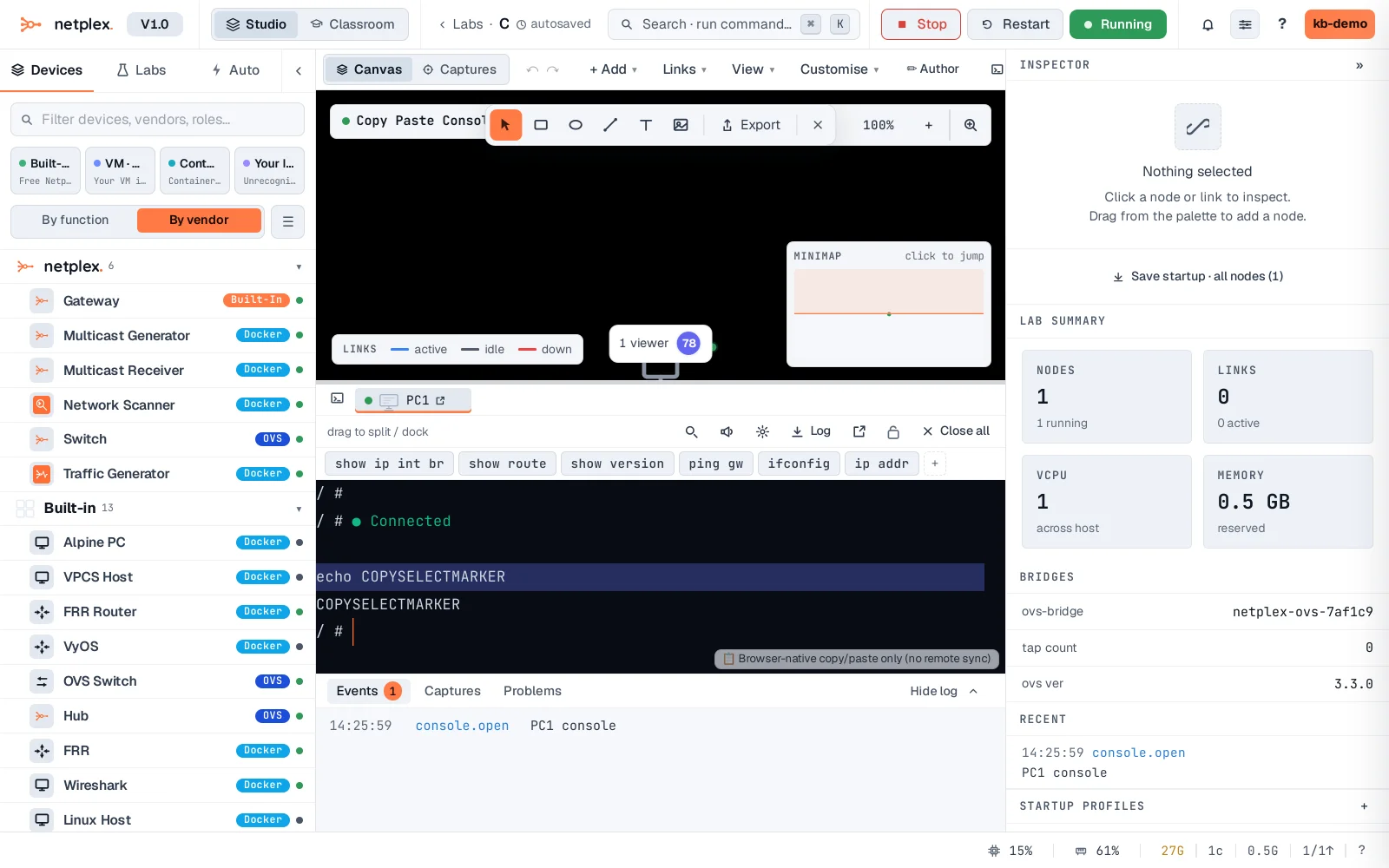
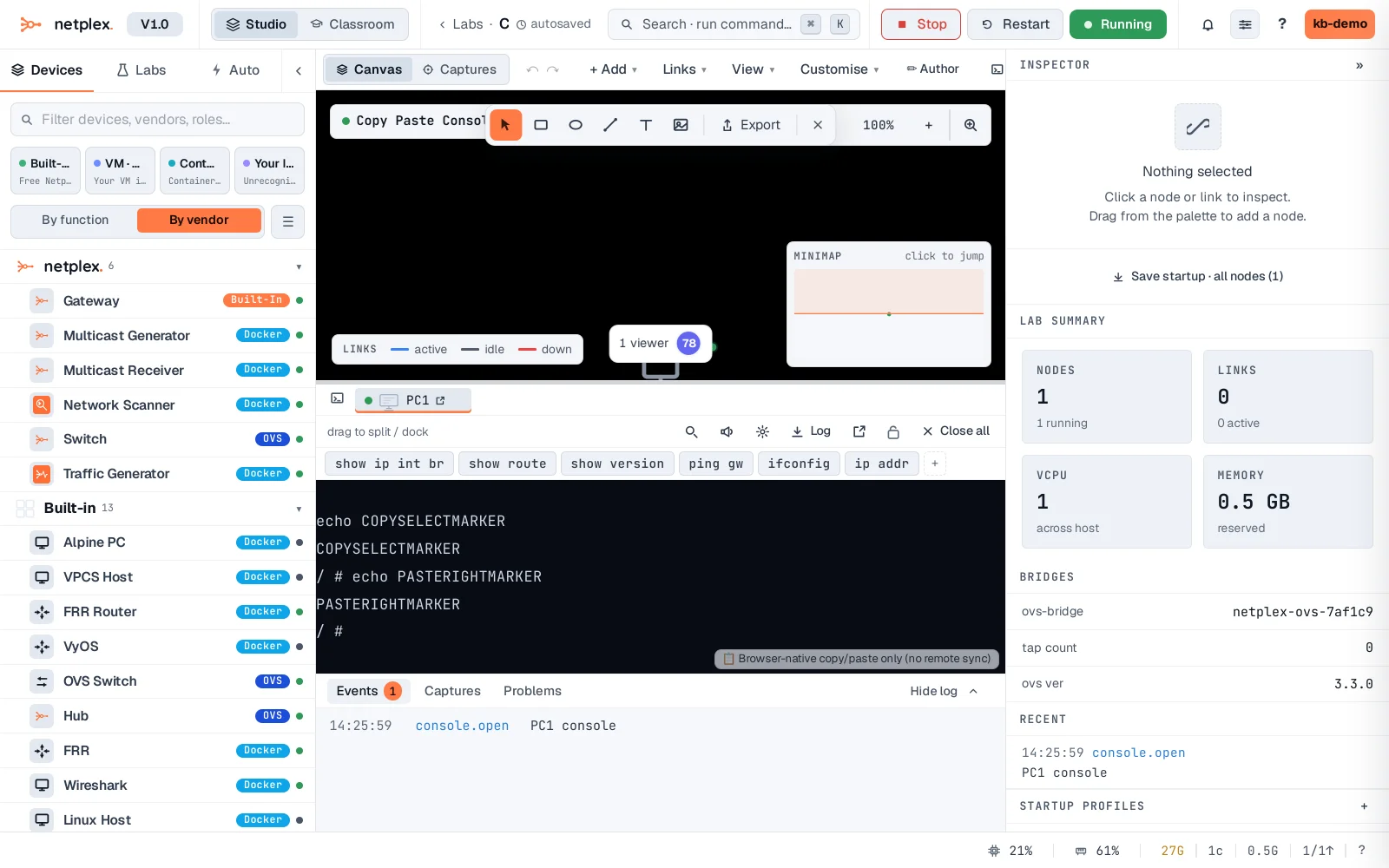
Copy something to your clipboard, right-click anywhere in the terminal - it pastes immediately as real keystrokes, exactly as if typed.
VNC and RDP graphical consoles are different - those can share your clipboard both ways, so copy and paste just work with the remote desktop. Shell consoles can not do that, so selecting and right-clicking is the closest thing.