The Connector: native terminals and local device access
Every console in netplex. already works in the browser tab - no install needed. The Connector is for the times you want more: a real native terminal window instead of a browser tab, or reaching a physical device (USB console cable, local serial port) that a browser cannot reach. It installs with one line, no unsigned-app security warnings to fight.
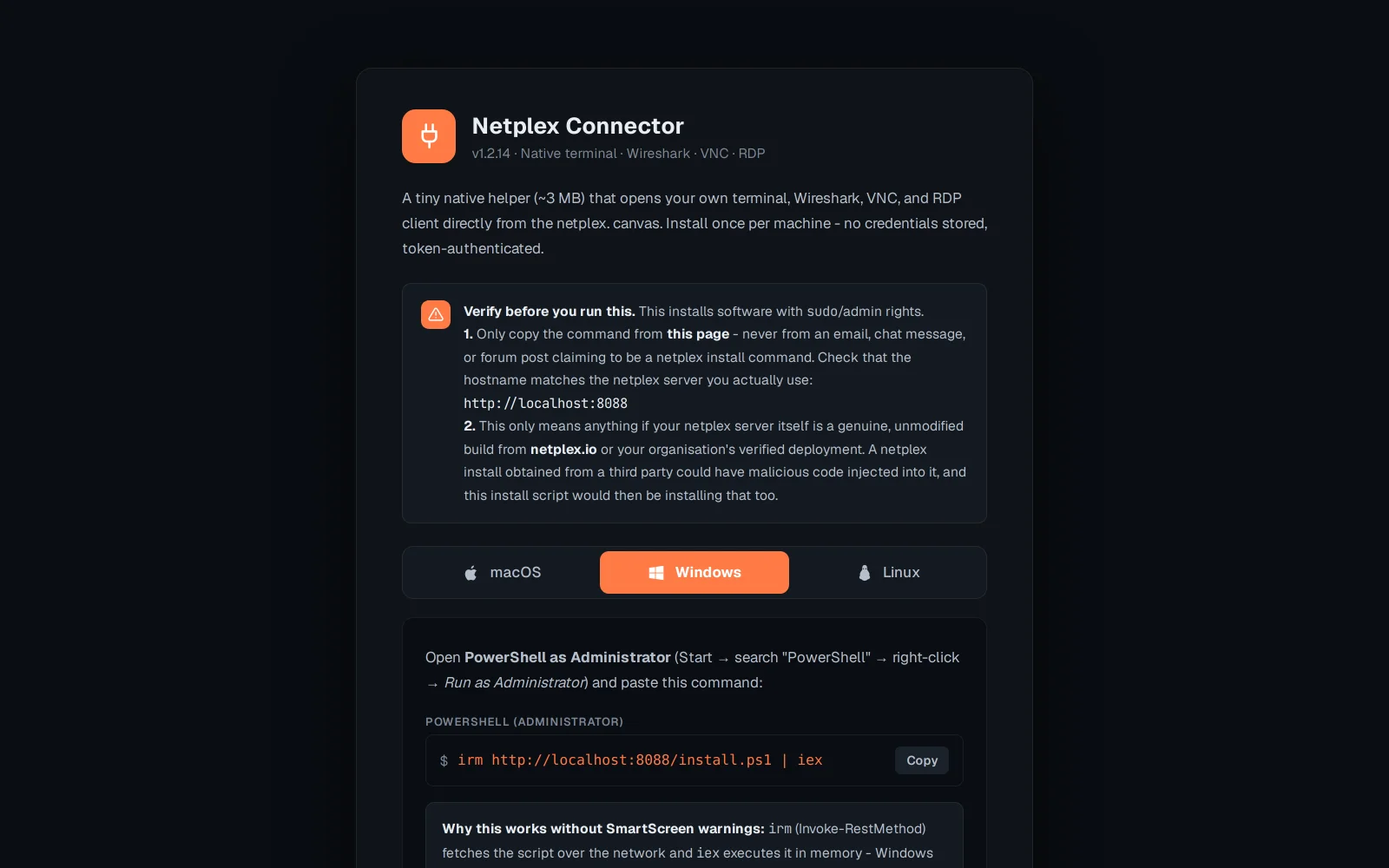
Open netplex.io/download/connector (or the link from Settings). It detects your OS automatically and shows the matching one-liner.
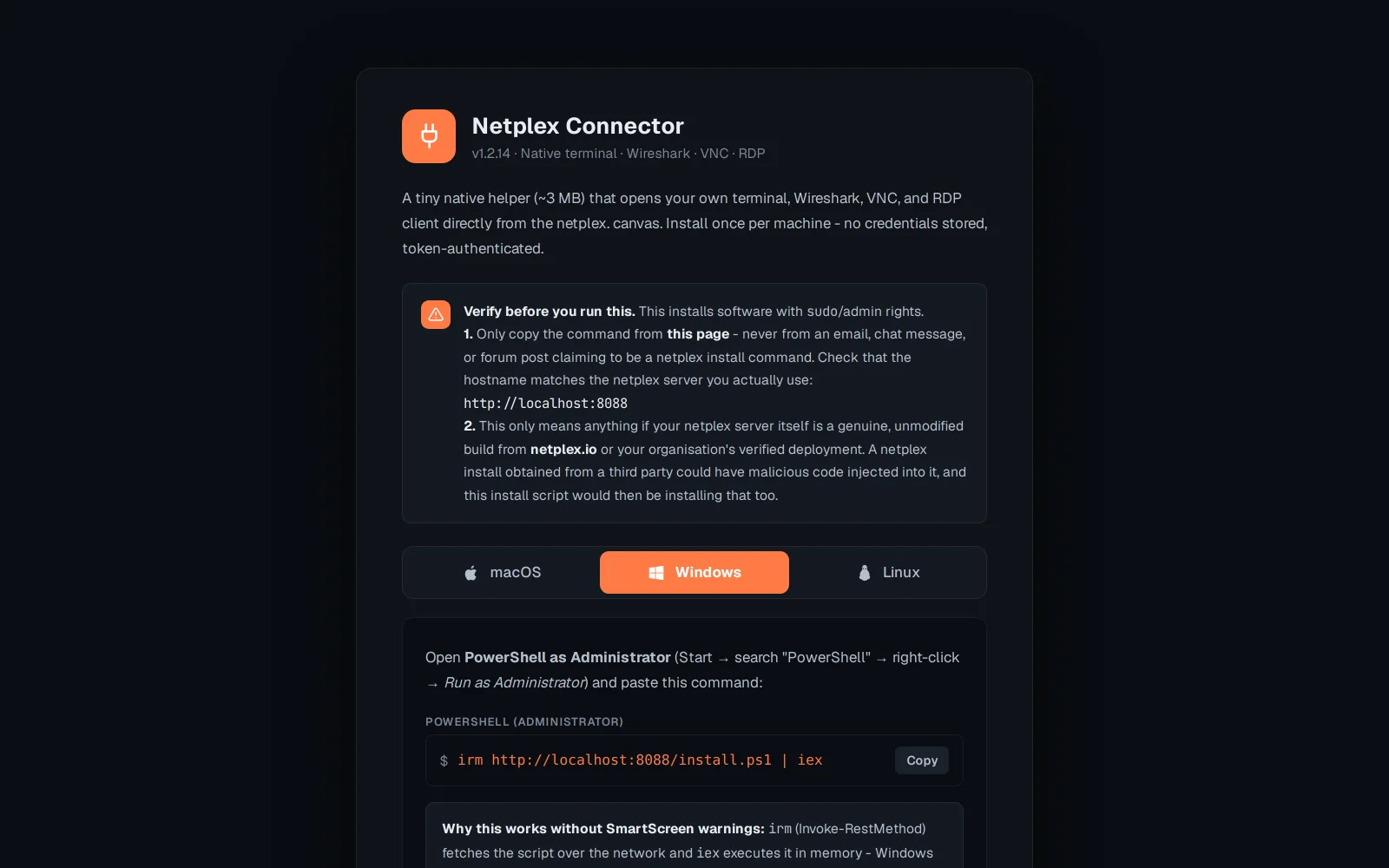
The one-liner runs through the terminal, on purpose - if you download an unsigned app in the browser, macOS (Gatekeeper) or Windows (SmartScreen) blocks it, and there is no free way around that. Running the install from the terminal with curl/irm avoids that block, so there is nothing to fight.
Once installed, the Connector shows up as a "native terminal" option next to any console and can also see local serial/USB devices a browser can't - for wiring a real physical switch into a lab alongside its virtual neighbours.