How to migrate a GNS3 project to netplex
Moving from GNS3? You do not rebuild your labs - you import them. netplex. reads a GNS3 topology (.gns3) or a full project bundle (.gns3project / a .zip of the project) and converts it to its own .npx format: every node, every interface, every link. This guide shows the whole migration, start to finish.
What changes: labs run on a netplex. server and open in any browser, so there is nothing to install on each laptop (GNS3 3.0 has a browser interface too, though its consoles open in a small local app), and the topology is isolated by design, with no hidden management network. GNS3 stays free and open source, so you can keep using both.
In GNS3, your project lives as a .gns3 file (plus a project folder). Export or locate that file - or zip the whole project directory if your nodes use custom images. That is everything netplex. needs.
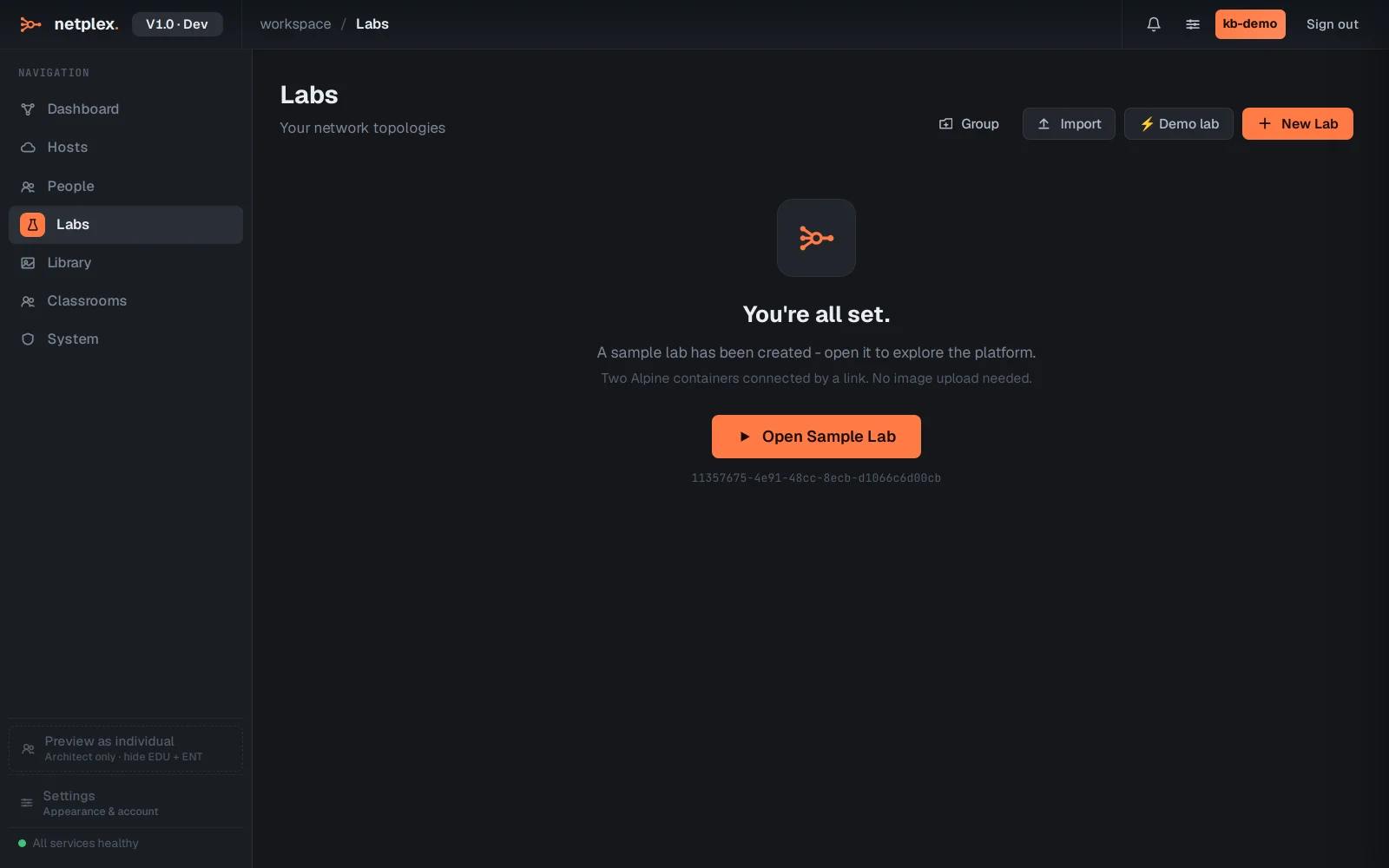
On the Labs page in netplex., click Import (top-right). The picker auto-detects the format, so you do not choose "GNS3" from a menu - just hand it your .gns3 file (or the project .zip).
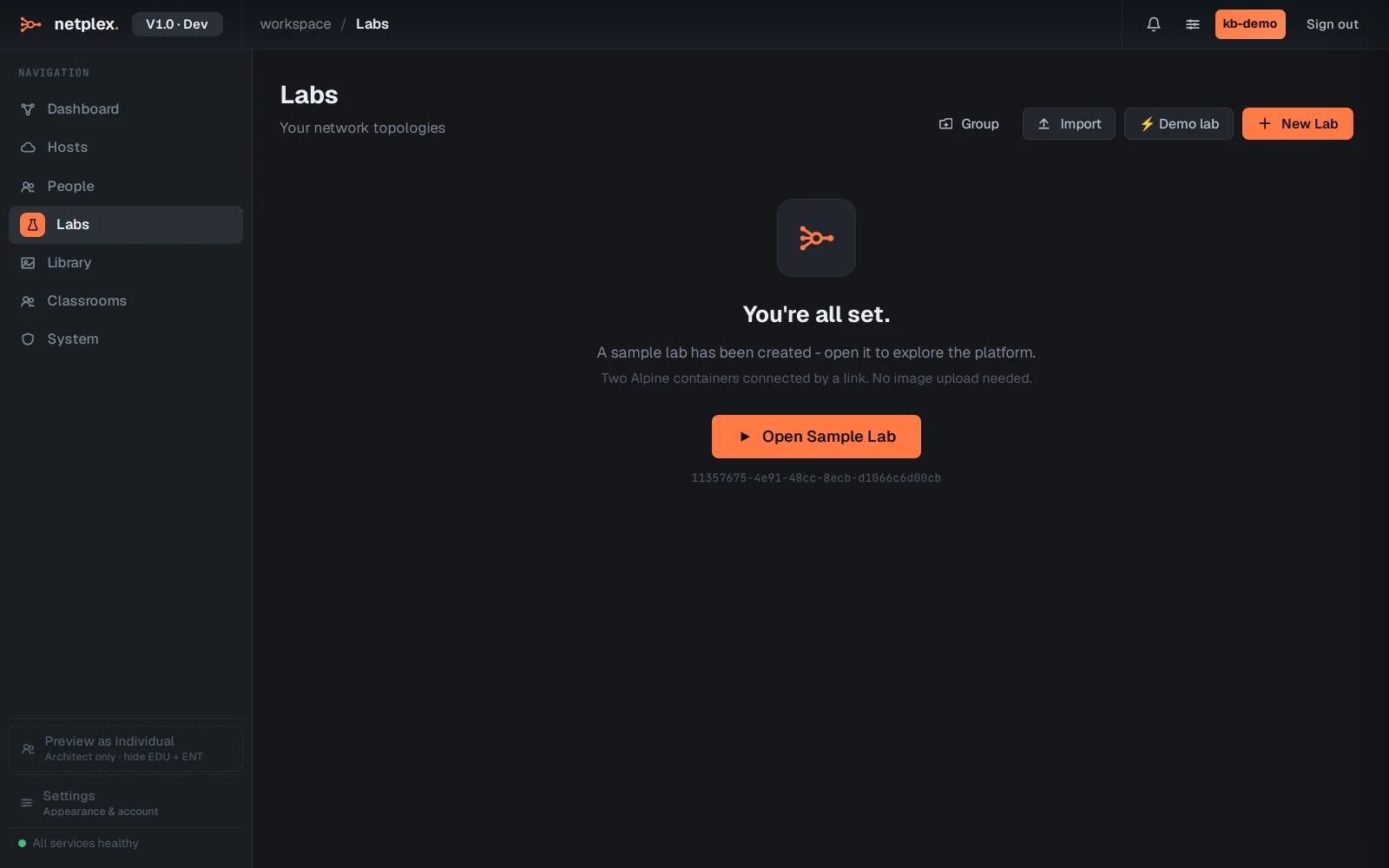
netplex. parses the GNS3 topology and maps each node_type to the closest runtime - a Docker node stays Docker, a QEMU node becomes a QEMU VM, an IOU node becomes IOL. Here a four-node campus (two FRR routers, two PCs) comes across with all three links intact.
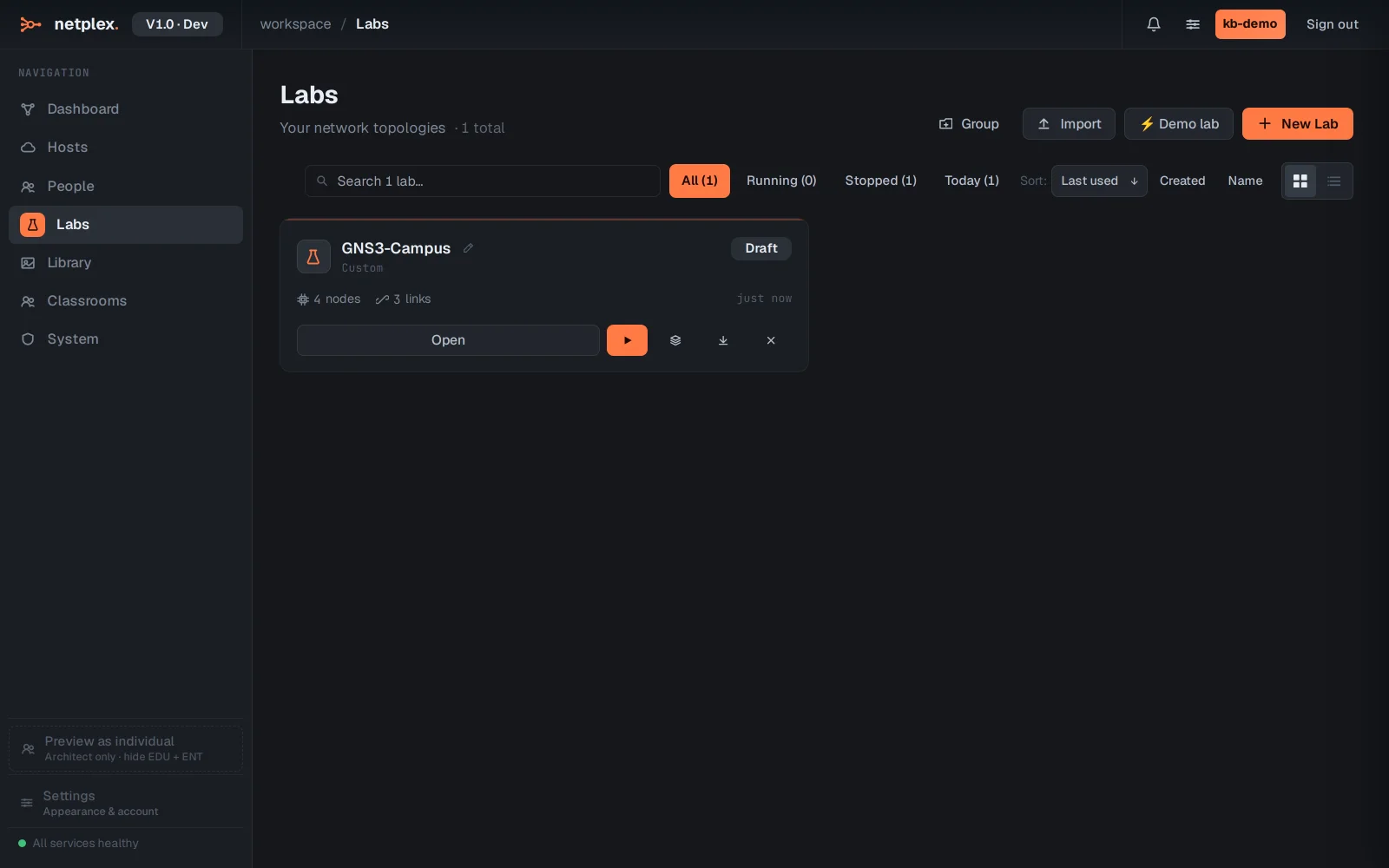
Open the imported lab and the canvas is your GNS3 topology, converted - same nodes, same wiring. Where a GNS3 template did not map to an image you have, the node shows unassigned; pick the right image from your Library and it is ready. Then power on.
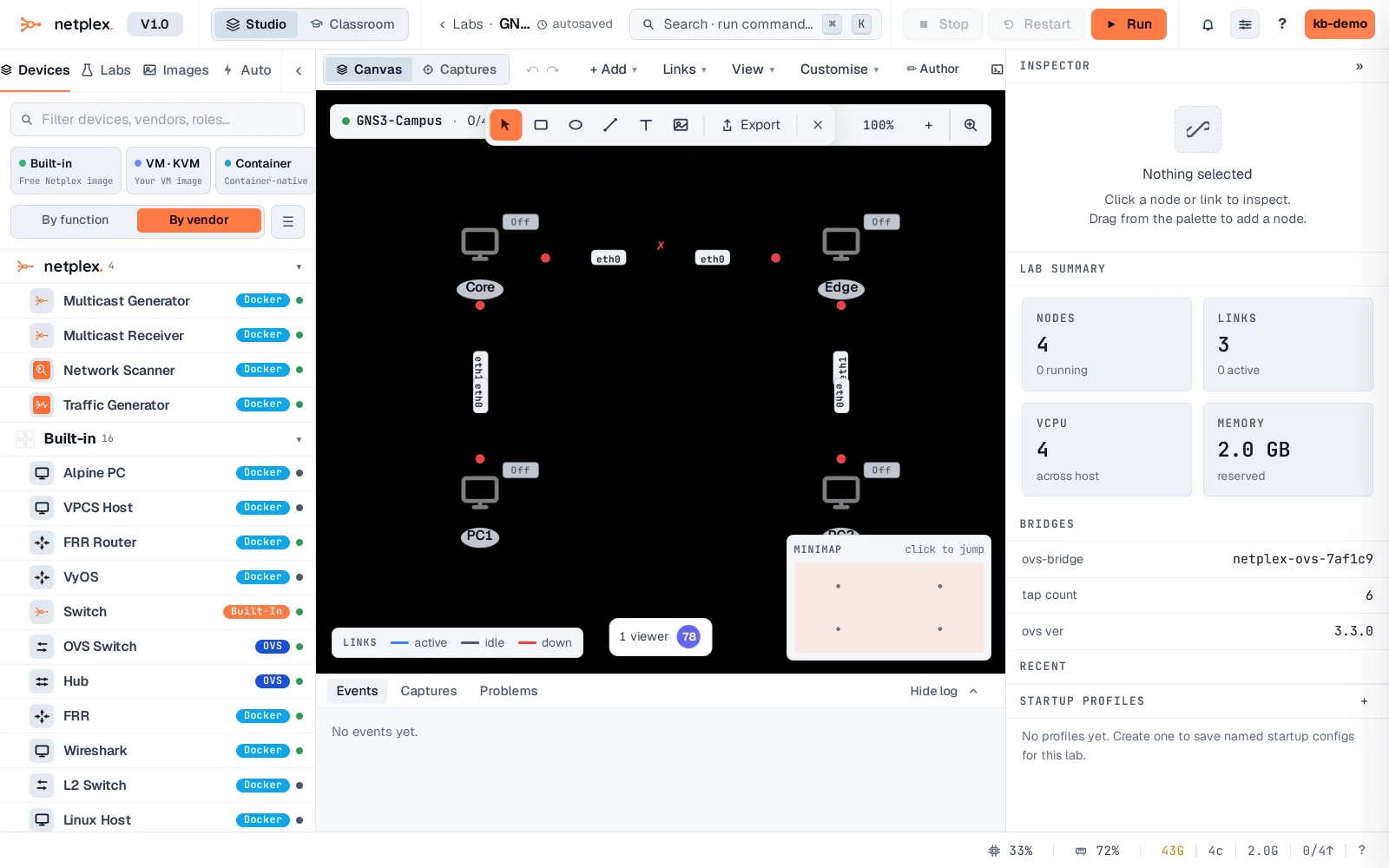
The converter keeps the structure - topology, interfaces and links always come across. The only manual step is image assignment where a GNS3 template has no netplex. equivalent, because netplex. never ships licensed vendor images. A .zip of several GNS3 projects imports them all at once. See the related guides for importing from EVE-NG and ContainerLab, and for importing the vendor images (Cisco IOL, Juniper vSRX) your topology needs.