Set a custom MAC address on a VM node
Some vendor images tie their licence to the MAC address (the unique network ID) of the first network card - move the same disk to a different computer and it refuses to activate. The Interfaces tab on a QEMU node's first port lets you pin a specific MAC before boot, so the licence keeps matching however many times you rebuild the lab.
Select the node, open Interfaces. The first port shows a + custom MAC link below its name - this option only appears on VM (QEMU) nodes, not containers, since it's the VM's virtual NIC that a licence check inspects.
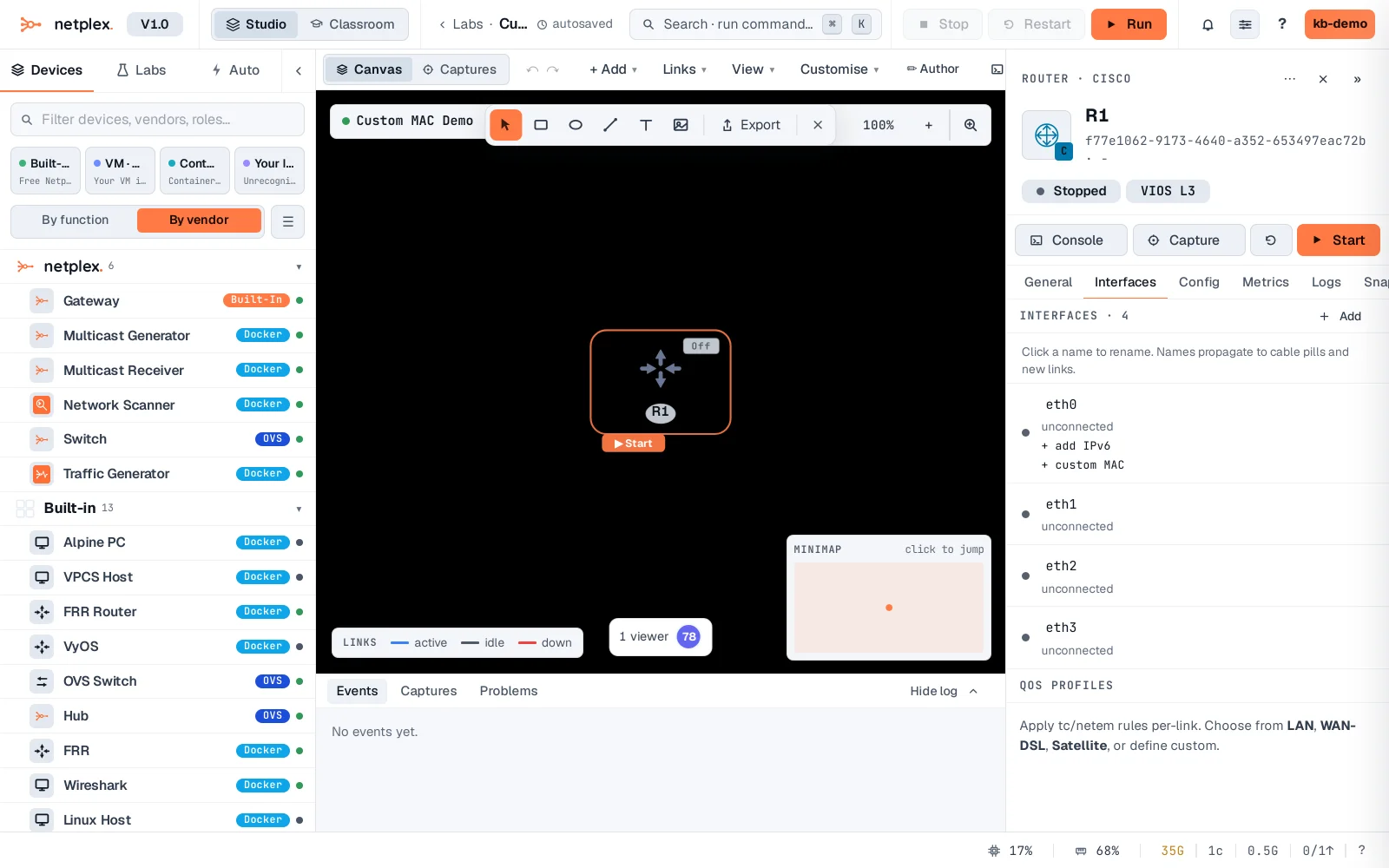
Click it and type a MAC (02:AA:BB:CC:DD:01). It saves when you click away or press Enter - the same address every time this lab boots, regardless of which host or how many times it's rebuilt.
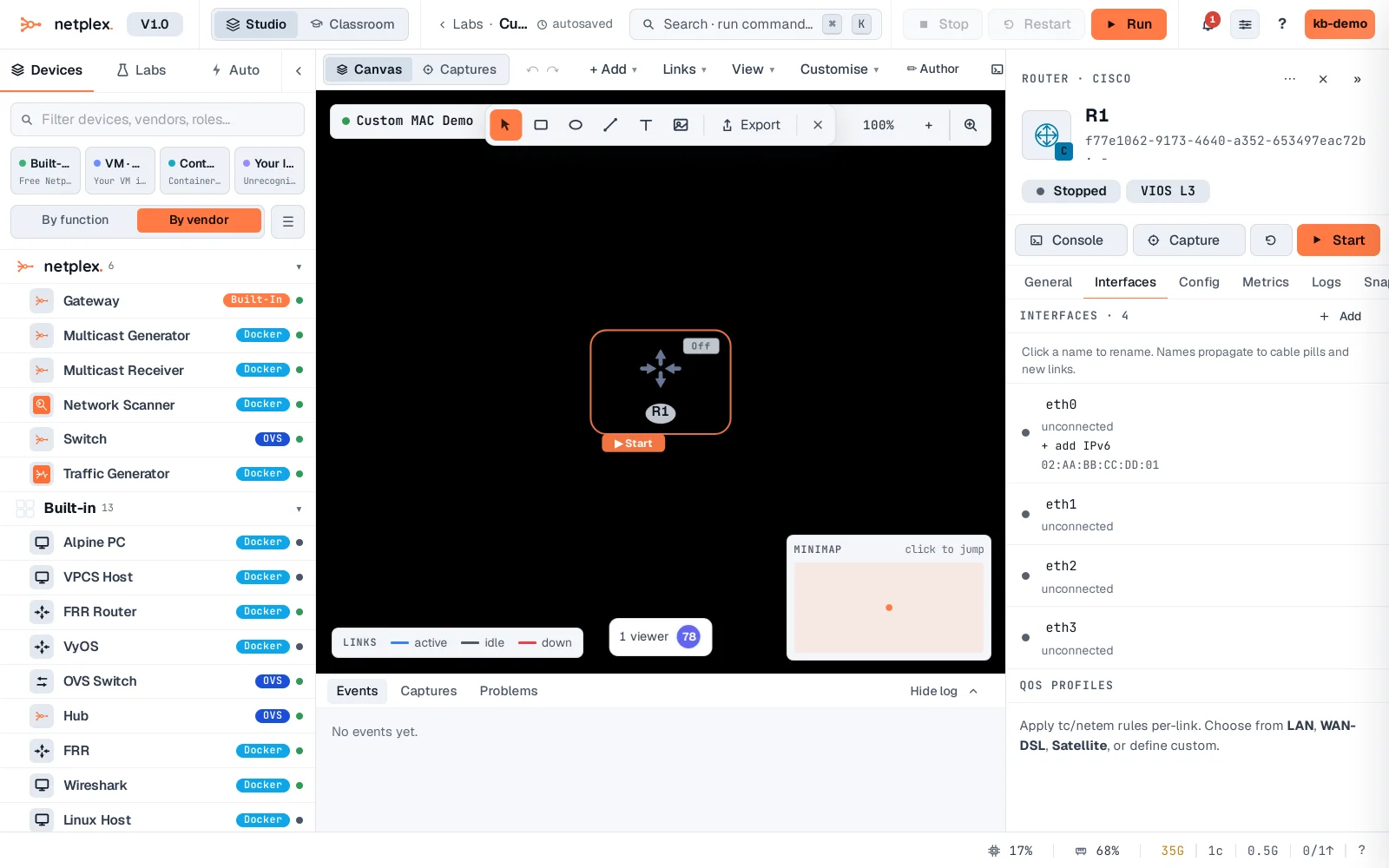
Clear the field (delete the text and click elsewhere) to go back to a random MAC each boot. This only applies to the VM's first interface - the one a real NIC-locked licence check typically inspects.